
Multi-WABA Management: How to Handle 10+ WhatsApp Business Accounts from One Dashboard
Still logging into 10 different WhatsApp accounts to answer leads? You can manage them all from one dashboard, and close more deals while your team saves hours.
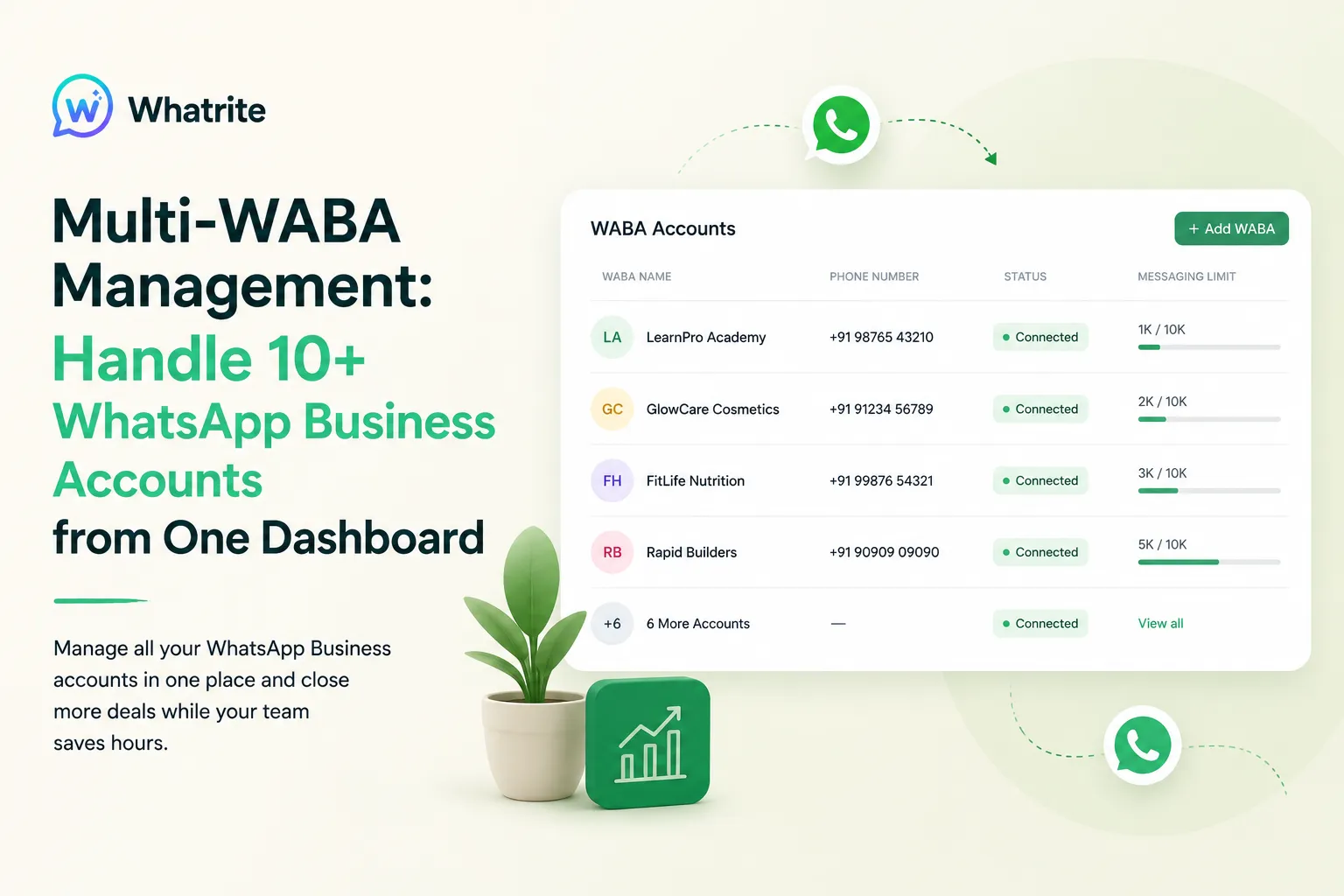
Managing five WhatsApp Business accounts means five separate logins, five billing cycles, and five places to check when something goes wrong. For agencies running multiple client brands, or franchises spread across cities, that fragmentation adds up to real operational drag. Whatrite gives you one dashboard to rule them all, so your team spends less time toggling between panels and more time closing leads.
The Multi-WABA Problem: Why Separate Accounts Break Your Workflow
If you are an agency handling ten real estate clients, each with their own WABA, you are probably logging into ten different BSP panels right now. Every platform has its own template manager, its own analytics export, and its own access control system. That is not a workflow, that is a part-time job. The hidden cost is not just time. It is the context switching that makes your team miss replies, lose track of conversation history, and send messages from the wrong number entirely.
Most business solution providers charge per WABA and require individual logins for each account. For a franchise with twenty locations, that means twenty billing line items, twenty credential sets to rotate, and twenty places where a compliance issue can quietly develop. The problem is not that WhatsApp Business multi-account management is inherently complex. The problem is that most tools were built for single-account use cases and bolted on multi-tenancy as an afterthought.
What a WABA Actually Is (And Why It Matters for Your Operations)
A WABA, or WhatsApp Business Account, is the Meta-level entity that owns your phone number, message templates, and API access. One WABA typically maps to one business identity. For multi-brand agencies, that means one WABA per client. For franchises, that means one WABA per location. When your tool forces separate logins per WABA, you lose the ability to see your entire operation at a glance and your team loses the ability to collaborate across accounts without sharing credentials.
What Unified WABA Management Looks Like in Practice
Whatrite was built around the assumption that agencies and franchises need to manage WhatsApp Business multi-account setups as a portfolio, not as isolated units. The difference shows up in three concrete areas: team access, billing, and analytics.
Shared Team, Role-Based Access
Instead of creating logins for every WABA, you add team members once and assign them to the accounts they need. A junior support agent might have reply access on three client accounts. A senior account manager might have full visibility across all ten. You control what each person can see and do without juggling credentials or creating security gaps. When someone leaves, you revoke access in one place and it propagates across every WABA they touched.
Single Billing, Clear Attribution
Whatrite aggregates usage across all your connected WABAs into one invoice. You can still see per-account breakdowns for client billing, but your finance team deals with one payment, one renewal cycle, and one place to check if a charge looks off. For agencies billing clients back for WhatsApp usage, that attribution data is already there, surfaced in the dashboard rather than buried in per-platform exports.
Cross-Account Analytics Without the Export
When you need to report on campaign performance for a client, you open their WABA view. When you need to show your leadership team the aggregate reply rates across your entire portfolio, you open the unified view. Both exist in the same dashboard. You stop being the person who manually copypastes numbers from ten spreadsheets into a slide deck.
The Workflow: Onboarding a New Client WABA
Here is how this plays out when you add a new client brand to your Whatrite dashboard. You start in the WABA management section and select "Add Business Account." You connect the client WABA through Meta's OAuth flow, which means you do not hand over credentials, you grant delegated access. The process takes a few minutes for an already-approved WABA.
Once connected, you configure the template library. If the client has existing approved templates from a previous tool, you can submit them for re-use or build new ones through Whatrite's template builder. This is where template reuse becomes a real time saver. If you have a generic appointment reminder or property inquiry acknowledgment that works across multiple real estate clients, you submit it once and reference it across accounts. You are not rebuilding the same message five times.
Assigning Team Access for the New Account
Go to the team settings for the newly connected WABA. Decide whether an existing team structure applies or whether this client needs its own permission group. For a new real estate client, you might create a group that includes your property consultant specialists and excludes the team members who only handle other verticals. Assign reply automation rules if the client wants AI-assisted first responses, but keep a human-in-the-loop flag for messages that need account manager review.
Set up notification routing so that urgent lead inquiries ping the right person regardless of which WABA they came from. A lead from your new client's portal should route to the same on-call team as leads from your existing clients. Your team stops thinking in terms of "which account is this" and starts thinking in terms of "which client does this lead belong to." That distinction matters for response quality.
Running Reports Across All Accounts in One View
After a week with the new client, you want to see how their WABA is performing alongside the rest of your portfolio. Open the analytics dashboard and select "All Accounts" or filter down to specific groups. You see message volume, reply rates, template usage, and campaign delivery metrics in one table. Export a PDF report for your client meeting or share a live dashboard link that refreshes in real time. No manual data pulling, no version control issues with your exported spreadsheets.
The compliance picture is also visible here. You can see which templates are approved, which are under review, and which WABAs have approaching rate limits. If Meta's 24-hour session window or per-second rate limits become relevant for a campaign you are planning, the dashboard surfaces those constraints before you hit them, not after.
Why This Matters More in India Than Anywhere Else
WhatsApp is not a supplementary channel in India. For real estate, education, and D2C brands, it is the primary communication thread with leads. Property portal inquiries arrive on WhatsApp. Course enquiries come through WhatsApp. Customer support questions get answered on WhatsApp. That centrality means the cost of fragmented WABA management is higher here than in markets where WhatsApp is one channel among many.
India also runs on IST, which means your team is fielding inquiries outside standard business hours. Automated reply flows that acknowledge after-hours messages and queue them for morning follow-up are not a nice-to-have, they are how you compete on response time without burning out your staff. Whatrite handles that layer within the multi-account dashboard so you are not stitching together separate automation tools for each client.
The Compliance Reality Check
Multi-brand messaging at scale means you are responsible for Meta's commerce policy across every WABA you manage. Template naming conventions, opt-out handling, and the 24-hour session window are not theoretical constraints. They are the rules that determine whether your client's number stays active. Whatrite surfaces those constraints in the dashboard rather than hiding them in documentation. When a team member tries to send a promotional message outside the active session window, the platform flags it and routes it through the proper template approval flow.
This does not mean compliance is fully automated. Your team still needs to understand Meta's policies and design message flows that respect them. Whatrite gives you the visibility and controls to enforce good practices, but the responsibility is shared. That is an honest position, and it is why agencies that take compliance seriously tend to prefer tools that do not pretend it is a checkbox exercise.
Conclusion
If you are managing multiple WhatsApp Business accounts across brands or locations, the fragmentation tax is real. Separate logins, manual template management, and per-account exports are not inevitable. Whatrite was built for teams that need to operate a portfolio of WABAs without the operational overhead of treating each one as a standalone tool. You get shared team access, consolidated billing, cross-account analytics, and template reuse that actually saves time. If that matches where you are right now, the next step is seeing what it looks like with your specific account structure. You can explore the platform at Whatrite or dig into the pricing details if you are ready to compare what you are paying now against a unified setup.